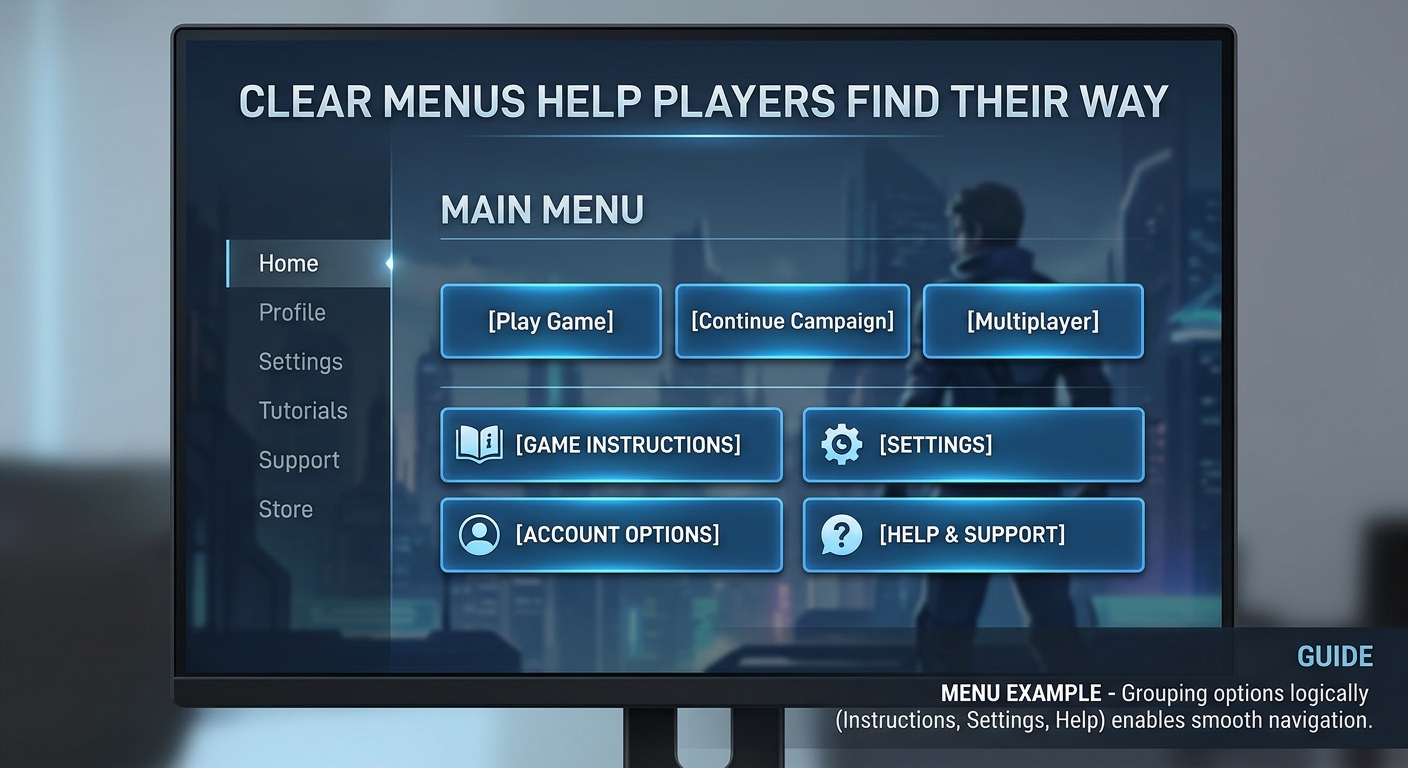
Game interface usability plays an important role in how players understand and interact with a game. Clear menus, readable information, and easy-to-recognize controls can help players learn the basics without feeling lost. Whether a game involves matching symbols, playing cards, or making strategic decisions, its interface should make important options easy to find.
A well-organized game interface helps make these tasks easier. Its layout, labels, instructions, and navigation all contribute to how people interact with a game, especially when they are using it for the first time.
Game Interface Usability Starts with Clear Menus
Menus are often the first place players look when deciding what to do next.When games group options logically, players can move between sections easily.
For example, game instructions, settings, account options, and help information should have recognizable labels. Unclear icons or buttons with vague descriptions can make simple actions more difficult than they need to be.
Good navigation is not about displaying as many options as possible. It is about arranging them in a way that makes sense to the people using the game.
Instructions That Make Games Easier to Understand
A game becomes easier to understand when its instructions explain the objective and the basic steps involved. Players should not have to guess what a button does or how a round progresses.
Useful instructions generally explain the main objective, available actions, relevant rules, and conditions that affect the game. For games with several stages or mechanics, short explanations presented at the right moment can be more helpful than a long block of text.
Clear instructions also help set realistic expectations. Clear instructions should explain how the game works without promising a particular result.
Visual Design and Game Interface Usability
Colors, animations, icons, and typography can make an interface more appealing, but their purpose should extend beyond appearance. Visual elements should help users recognize important information and distinguish between different actions.
Designers should make text easy to read against its background and give buttons a distinct appearance so players can recognize interactive elements. Animations can provide feedback, but excessive movement may distract users from instructions or important details.
A useful design balances appearance with clarity. Players should be able to understand the interface without needing to interpret every element individually.
Several established usability principles also emphasize clear feedback, consistency, and helping users understand what is happening on a screen. Nielsen Norman Group explains these principles in its usability heuristics for interface design.
Improving Usability on Mobile Devices
Many players use mobile devices to play games, so designers must make the most of the limited screen space. Designers should adapt interfaces for mobile screens because small buttons, crowded text, and hidden information can make games harder to use.
Mobile usability involves more than reducing the size of desktop elements. Layouts should adapt to different screen sizes, touch controls should be easy to select, and essential information should remain accessible without excessive scrolling or zooming.
Testing an interface on different devices can reveal problems that may not appear during development on a computer.
Important Information Should Be Easy to Find
A clear interface should make relevant information accessible rather than hiding it behind decorative elements. Depending on the game or platform, users may need to review rules, privacy information, account settings, or applicable terms before deciding whether to continue.
This is particularly important when a game involves accounts, downloads, or financial transactions. Users should verify the source of an application and review relevant conditions rather than assuming that an attractive interface proves a service is safe or reliable.
Design can improve the experience of finding information, but it cannot replace proper security checks or independent verification.
A Simple Way to Evaluate a Game Interface
Before spending time learning a new game, users can examine a few practical details:
- Navigation: Are the main menus and options easy to locate?
- Instructions: Can players understand the basic rules and objectives?
- Readability: Is the text clear, with enough contrast against the background?
- Controls: Are buttons recognizable and comfortable to use?
- Mobile usability: Does the layout work properly on a smaller screen?
- Transparency: Can users find important rules, terms, and account information?
These checks do not determine whether a game will be enjoyable, but they can help users recognize an interface that communicates clearly and one that may require more effort to understand.
Final Thoughts
An easy-to-understand game interface combines clear navigation, useful instructions, readable design, and accessible information. Each element helps users understand their options and interact with the game with fewer unnecessary obstacles.
While visual appeal may create a strong first impression, usability depends on how well the interface supports real actions. Looking beyond appearance can help players make more informed decisions about the games they choose to explore.